The first phase
Unwrap
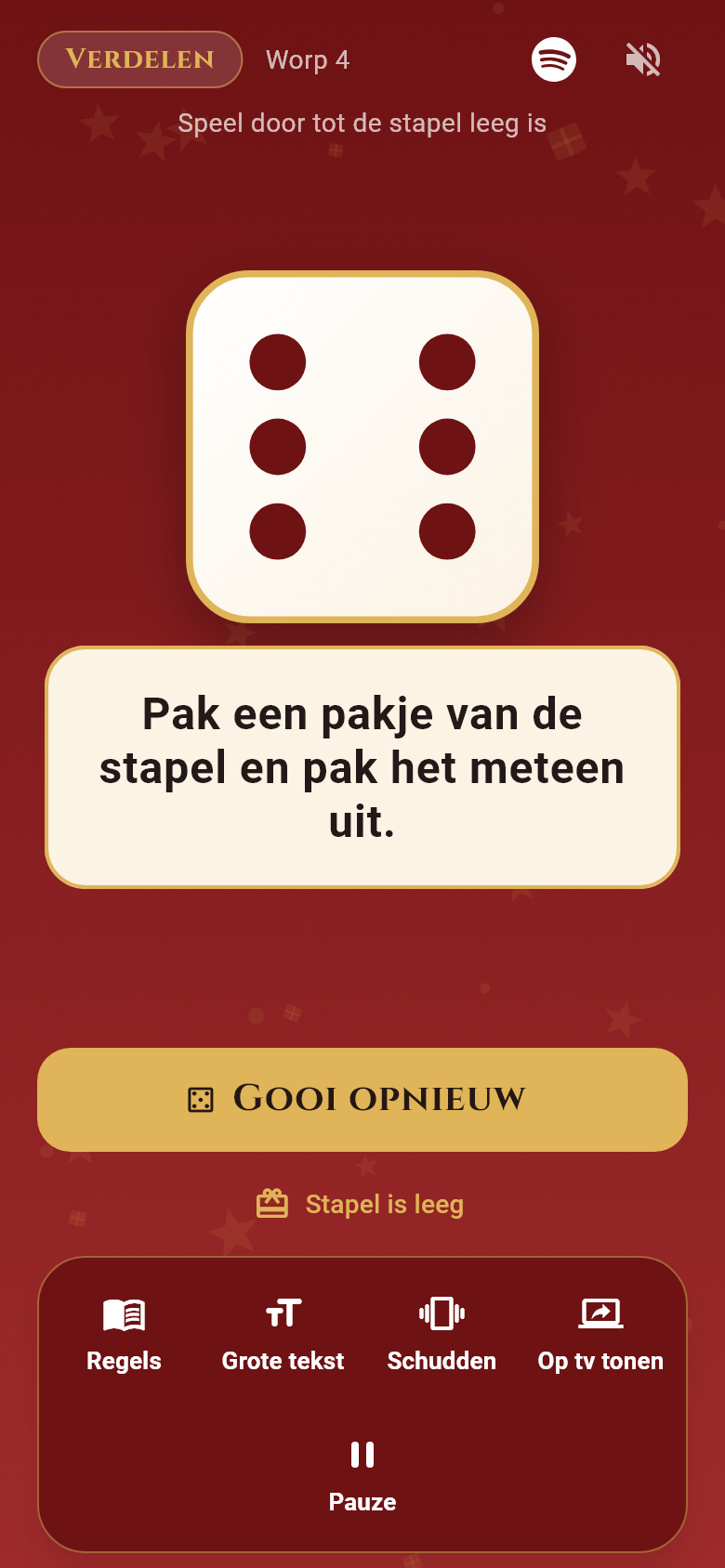
Tap Roll or shake your phone and follow the prompt on screen. Take a gift, pass one along, or unwrap a present. No timer is running yet. Is the pile empty? Let the app know.
The holiday gift exchange game
A pile of wrapped gifts, a great group, and your phone. Take turns rolling and follow the prompt. First you hand out the presents; then you try to hold on to your favorite until the timer goes off.
Now available for iPhone, iPad, and Android
Inside the app
For gifts without a fixed recipient
Put a shared pile of wrapped gifts on the table.
Two phases: hand out without a timer, then steal against the clock. In between, everything gets unwrapped.
The first phase
Tap Roll or shake your phone and follow the prompt on screen. Take a gift, pass one along, or unwrap a present. No timer is running yet. Is the pile empty? Let the app know.
Between the two phases
Unwrap whatever is still wrapped so everyone can see all the presents on the table. Take your time. The steal phase only begins when you tap Start the timer.
The second phase
Steal, swap, and pass gifts around. The timer runs for the entire steal phase, not per turn. When the alarm sounds, the game stops immediately: you keep what you have in front of you.
The app shows the right prompt automatically with every roll. Play with the standard d6 die, choose Variation (d20) with a twenty-sided die for extra swaps, or create your own house rules.
Dice Game in the app
No separate rule sheet needed. Every roll shows its prompt right away, and the countdown stays visible during the steal phase.
See what to do right away. The app picks the prompt; your group keeps track of the gifts on the table.
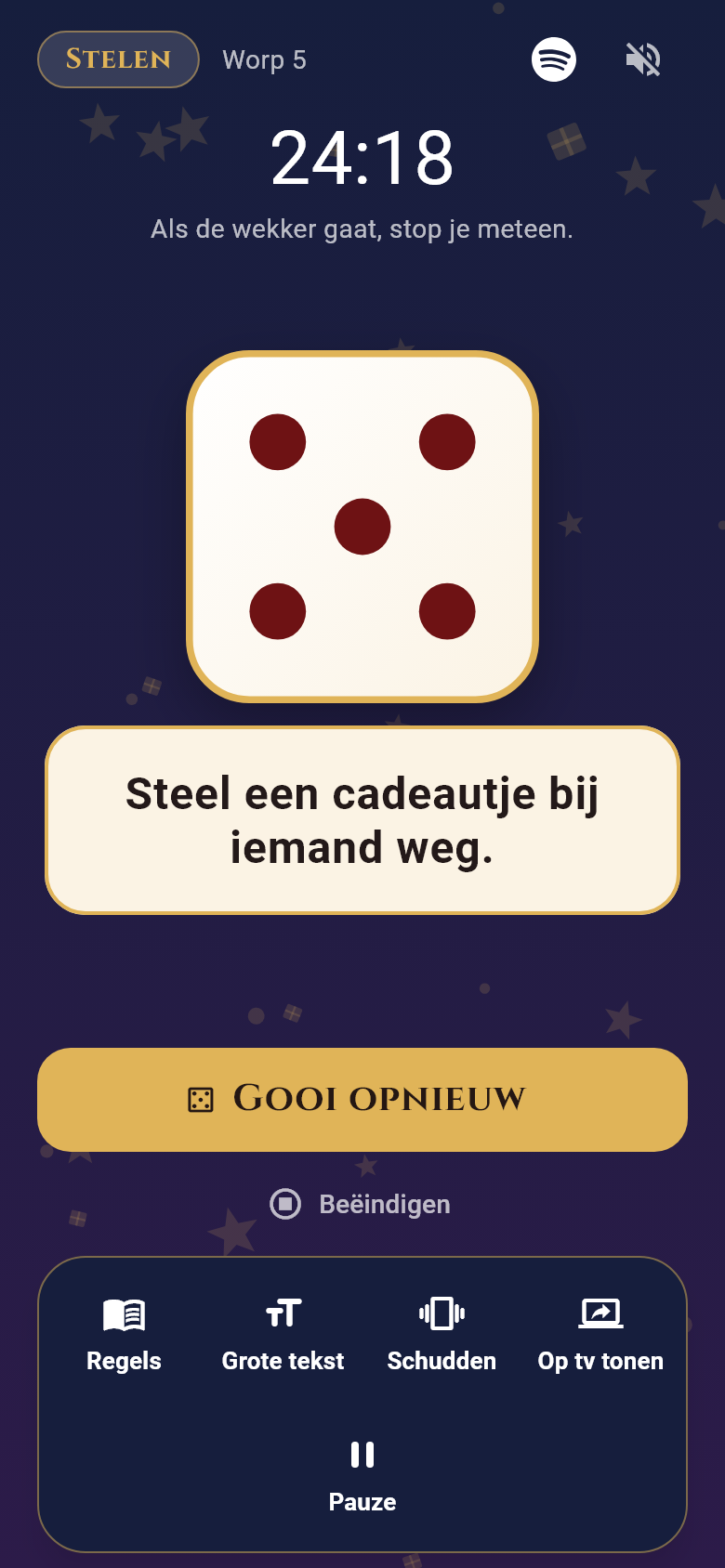
The remaining time stays above the die. Need a quick break? Tap Pause to stop the clock.
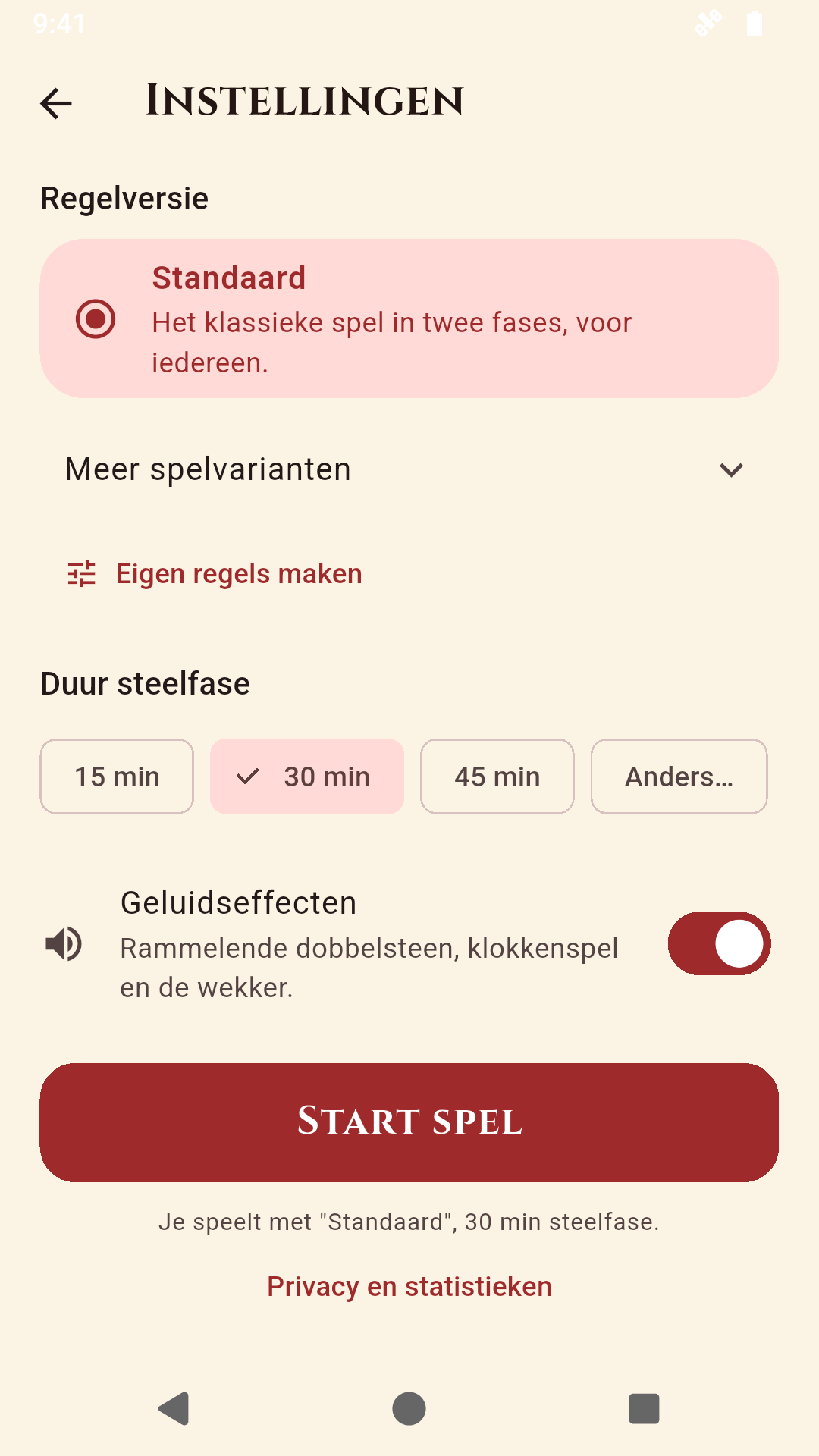
Choose the duration and a rule set. Write six custom prompts per phase and share your house rules via copy and paste.
Also in the app, for labeled presents
For 3 to 20 players. Enter the names and let the app draw who fetches a gift and for whom. The recipient unwraps it and becomes the next giver.
There is no timer: take your time for unwrapping and reading cards or poems. Everyone with gifts left gets a turn once per round. Mark anyone who has no gifts left; they can still help hand out presents.
Download the app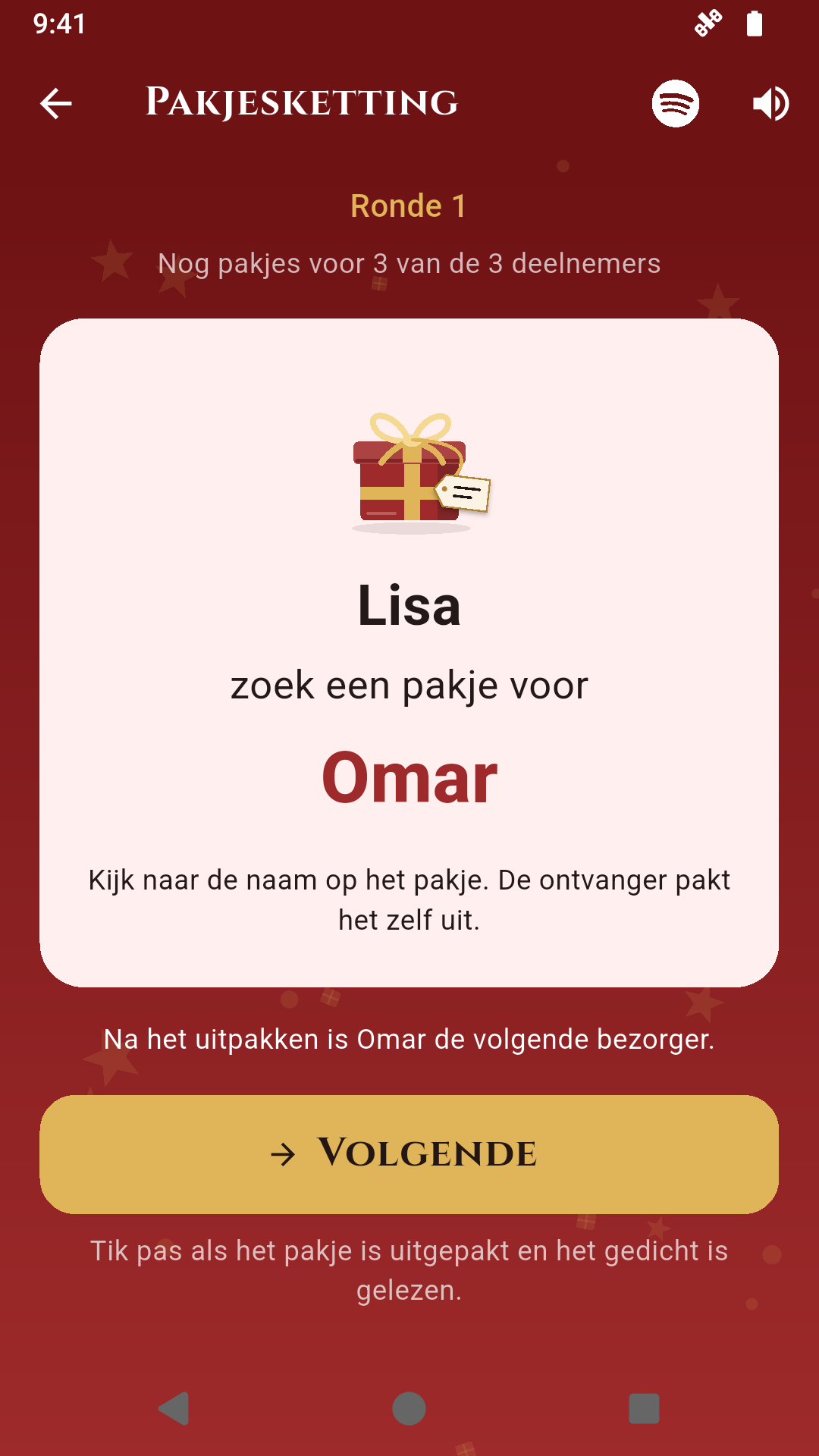
One phone or tablet for the table is enough. You play together in person, not online from afar. You only enter player names for Gift Chain. The app does not track who holds which gifts.
For Dice Game: a shared pile of wrapped gifts without fixed recipients. Agree on a budget and number of gifts beforehand. For Gift Chain: labeled presents with names on them and 3 to 20 players. In both modes, one phone or tablet with the app is all you need.
Yes, the installed app and your custom rules work offline without an account. Internet access is only needed for downloading and updates. Holiday music on Spotify is separate from the app; start the playlist there yourself.
Yes. Choose between Standard (d6), Variation (d20), or tap Custom rules in the Dice Game settings to write prompts per phase and share or import rule sets. With the Cheers! toggle you can enable or disable extra sip prompts without changing the gift actions. Choose your own drink, such as water or soft drinks. Skipping is always allowed.
Yes. On the start screen you can switch between the Christmas and Sinterklaas themes and between English (EN) and Dutch (NL) at any time.

Holiday fun in your pocket
Now available for iPhone, iPad, and Android.
Choose your store and get ready for gift night.
One phone or tablet at the table is enough for the whole group.